IntelliEnterprise 15 Intranet Software
All-round Intranet with AI-powered chatbot and external app notifications
- Robust document management with lifecycle management
- User-friendly HTML document editor with Direct Edit function
- Integrations for Microsoft 365, SharePoint and many Cloud apps
- AI Chatbot for looking up data from all the apps you already use
- On-premise installation and one-time license fee
- Free trial version download – no credit card required
3 things you only get with IntelliEnterprise
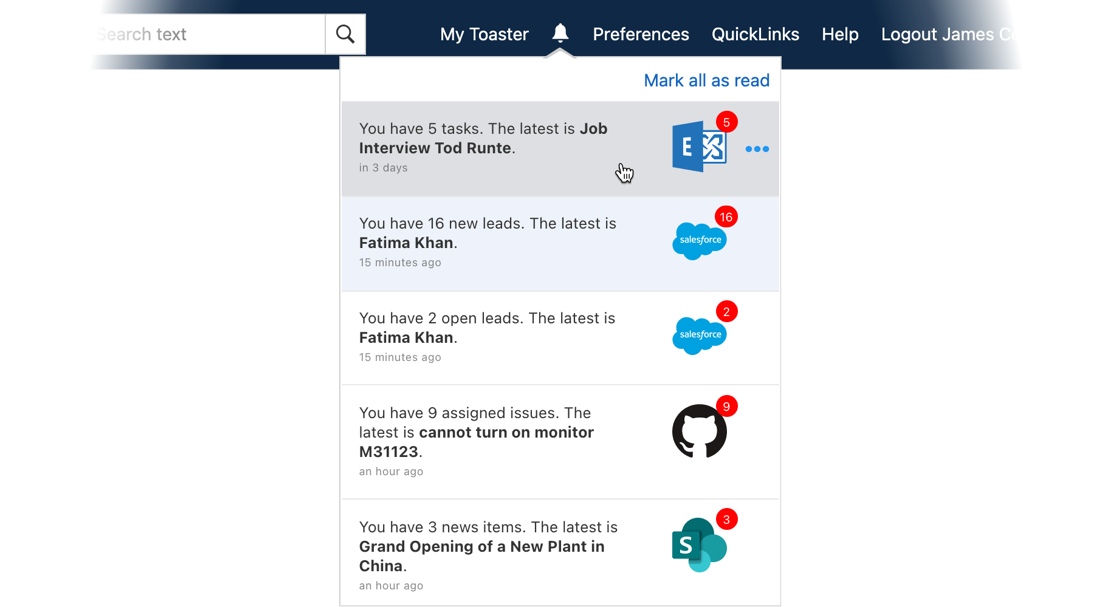
Never miss another update from your other business apps
Connect your Intranet with over 50 SaaS applications which send you instant notifications. If you want to see more, just click to open an expanded Card.
Works with





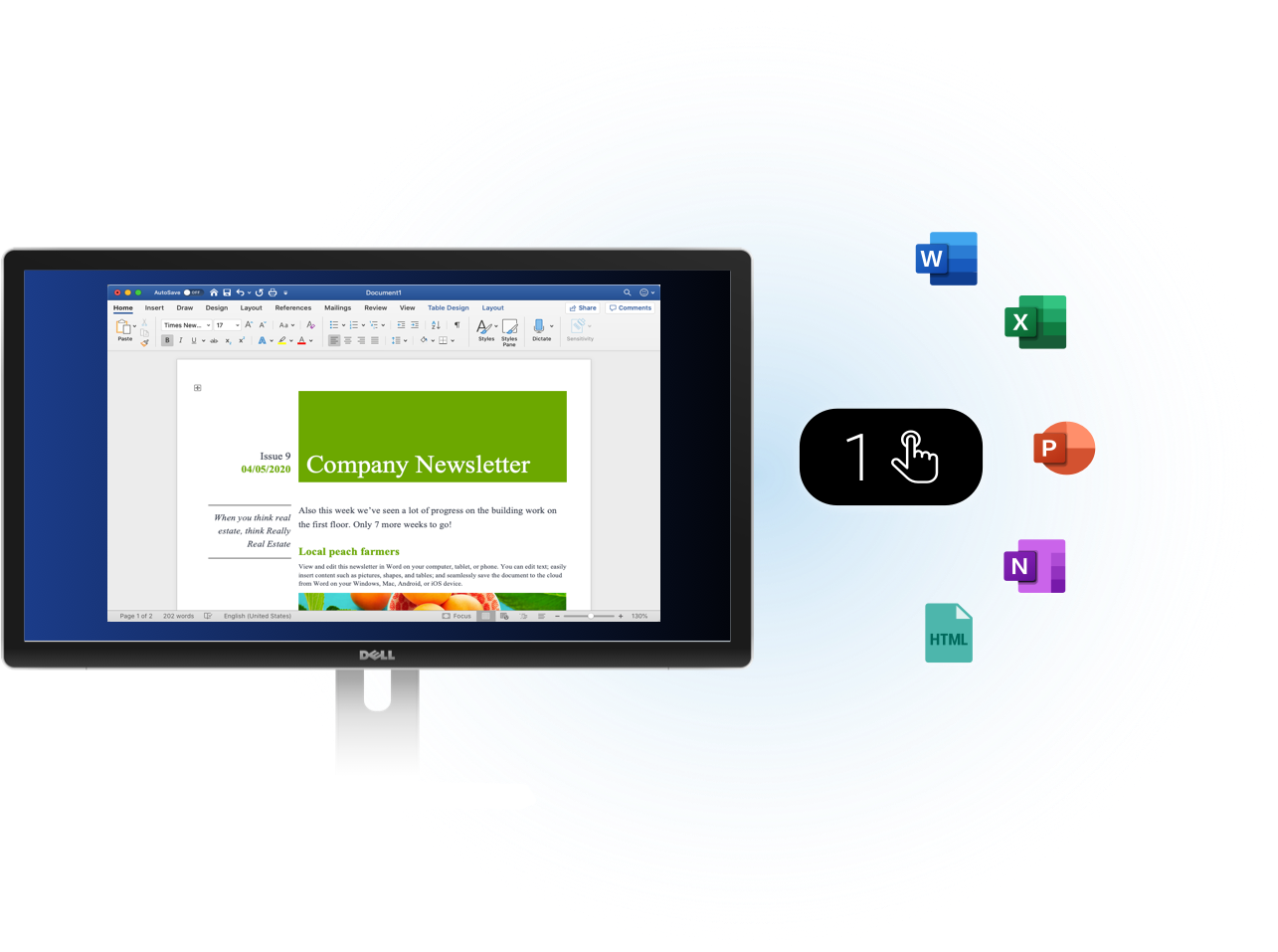
Contributing files and documents couldn't be easier
You can directly open and edit Office documents on your desktop with our unique 1-Click Direct Edit feature. The Intranet will automatically check the document out and create a new version whenever you save.
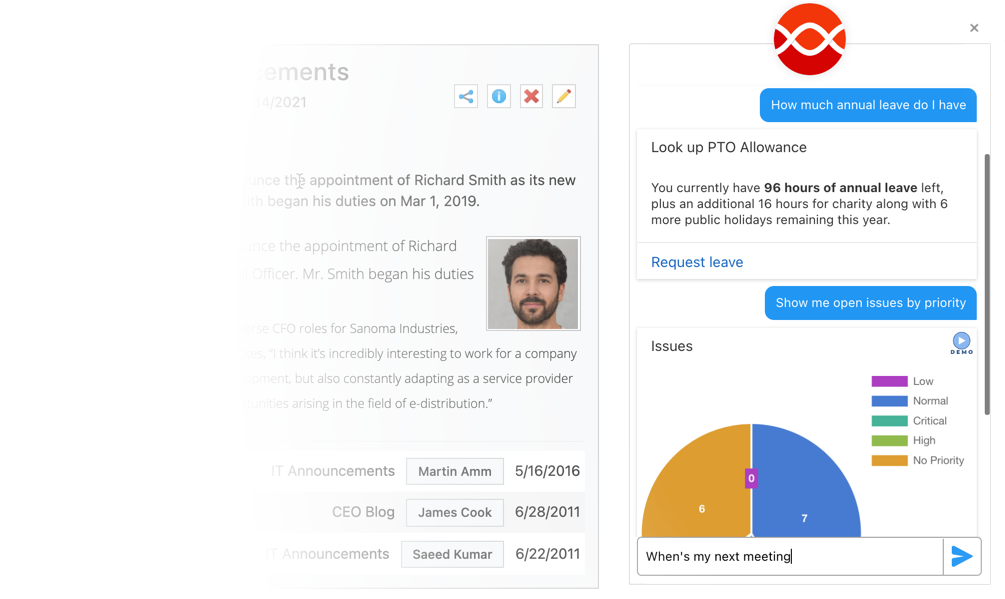
Look up external data with your own AI chatbot
Ask for anything or fill out forms – your built-in Assistant chatbot understands your natural language. And it's portable, so you can add it to your favorite apps like MS Teams, Alexa, etc.
Available in



Evaluation of Intranet platform
- Publishing: Impressive creativity possible from the range of templates on offer
- Search: A feature we liked was 'matching phrase highlighting' based on the search term
- Governance: Strong performance with tools to help content owners keep on top of their pages
What customers said about IntelliEnterprise
- All customers liked the "variety of functions that can be customized"
- Customers see "ability to utilize workflow" as very helpful
- They all agreed we are "responsive to requests"
Opinion about the AI Assistant
- The Digital Assistant is a strong offering
- SharePoint, MS Teams, and OneDrive are all served with notifications and access to cloud storage
- It can be connected to a wide range of third-party applications and services
With permission from ClearBox Consulting. Get the full report
We’re also great for basics like


 Sign in with Google
  Sign in with Microsoft